Build simple instrument
One can build a virtual representation of the instrument in question throughout the Instrument module. It consists of a series of different objects: Instrument, Wedge, Detector, and alyser, which are the objects needed to create the basics of the instrument. Everything regarding the guide has not been implemented. Below is a simple example of how to create an instrument consisting of an analyser and a radial detector.
[1]:
%matplotlib inline
from MJOLNIR.Geometry import Instrument,Detector,Analyser,Wedge
import matplotlib.pyplot as plt
plt.rcParams['figure.figsize'] = [14, 8]
plt.rcParams['figure.dpi'] = 100
import numpy as np
from mpl_toolkits import mplot3d

Instr = Instrument.Instrument()

Det = Detector.TubeDetector1D(position=(1,0,1),direction=(1,0,0))
Ana = Analyser.FlatAnalyser(position=(1,0,0),direction=(1,0,1))

wedge = Wedge.Wedge(position=(0,0,0),detectors=Det,analysers=Ana)

Instr.append(wedge)

fig = plt.figure()
ax = plt.axes(projection='3d')

Instr.plot(ax)

ax.set_xlim(-0.1,1.1)
ax.set_ylim(-0.1,1.1)
ax.set_zlim(-0.1,1.1);
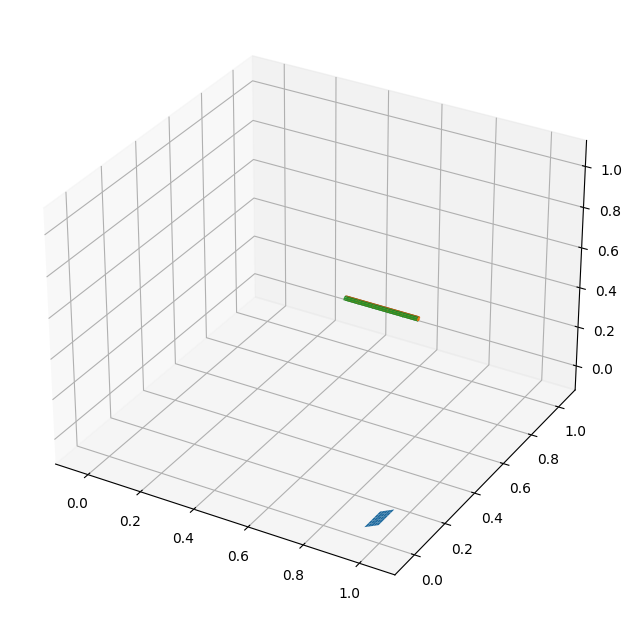
The instrument is simply initialized without any objects. Then the detector and analyser are created and joined in the wedge object. The wedge is then appended to the instrument which automatically adds it to it instrument description. Another way of achieving the same result is to first create the wedge containing the detector and analyser, add the two to the wedge and then initialize the instrument with the wedge as argument. In any case, the instrument is plotted throughout the plot method and the resulting image is shown above.